Cornell notes (violet)
Editable Template
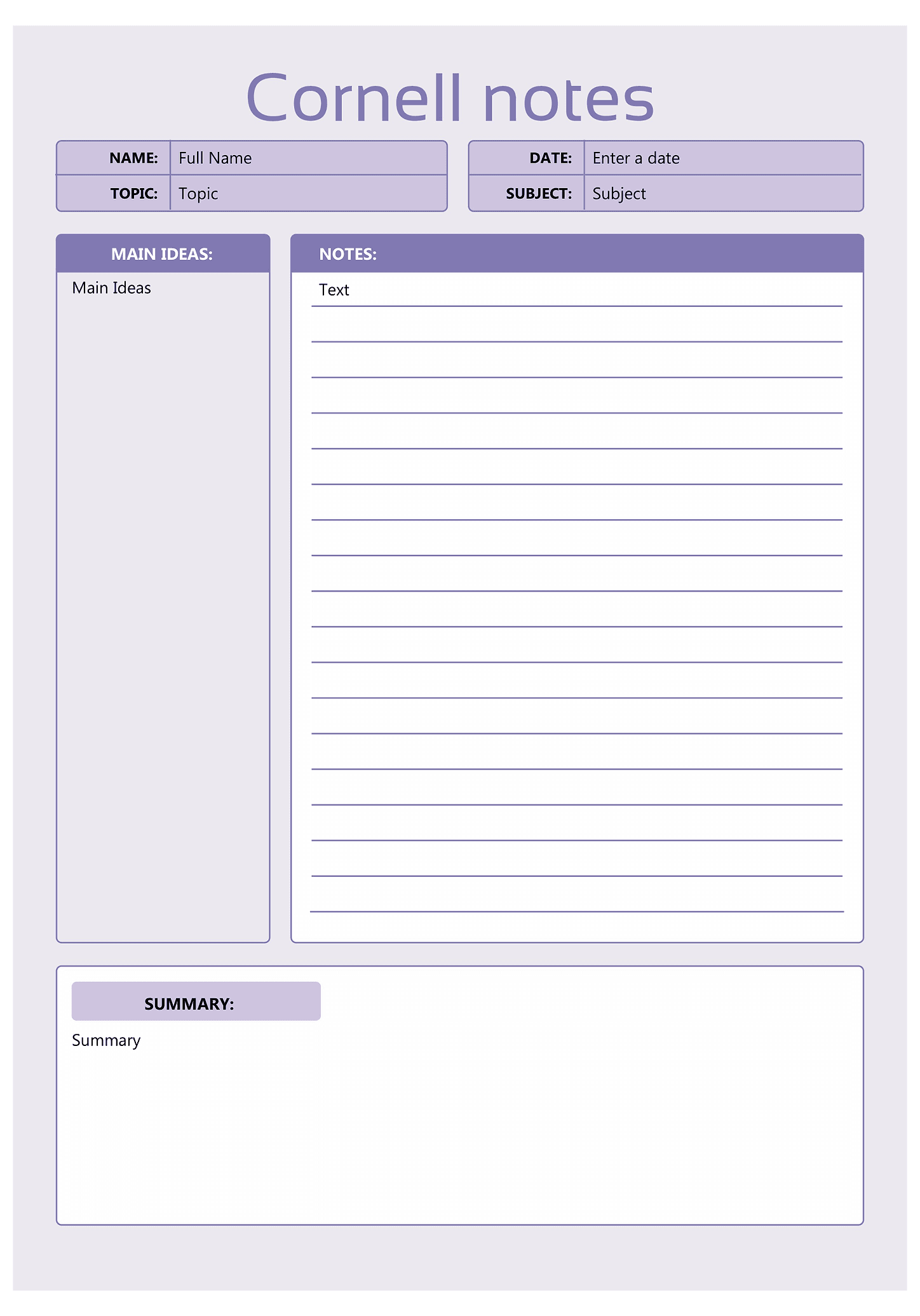
A Cornell notes template splits the page into sections for cues, main ideas and a summary, so you can organize class or meeting notes as you take them. Separating key points from details makes it easier to review the material and remember it later. The summary section at the bottom helps you condense everything into a few sentences once you're done.
Fill out the cornell notes right here online, open it in a free desktop app to edit it, or download it as a DOCX - just use the buttons below.
Last updated:13 June 2024
Suggest changesFile size:73 kb
Pages:1
Download as
How to create a free Cornell notes (violet) with ONLYOFFICE
- Click Fill out to launch the form editor online
- Fill in the necessary information in the empty fields
- Download the ready document from the editor
Explore other templates
Build your own forms
Create model documents, agreements, and contracts for any purpose with ONLYOFFICE Docs. Suggest form